Music
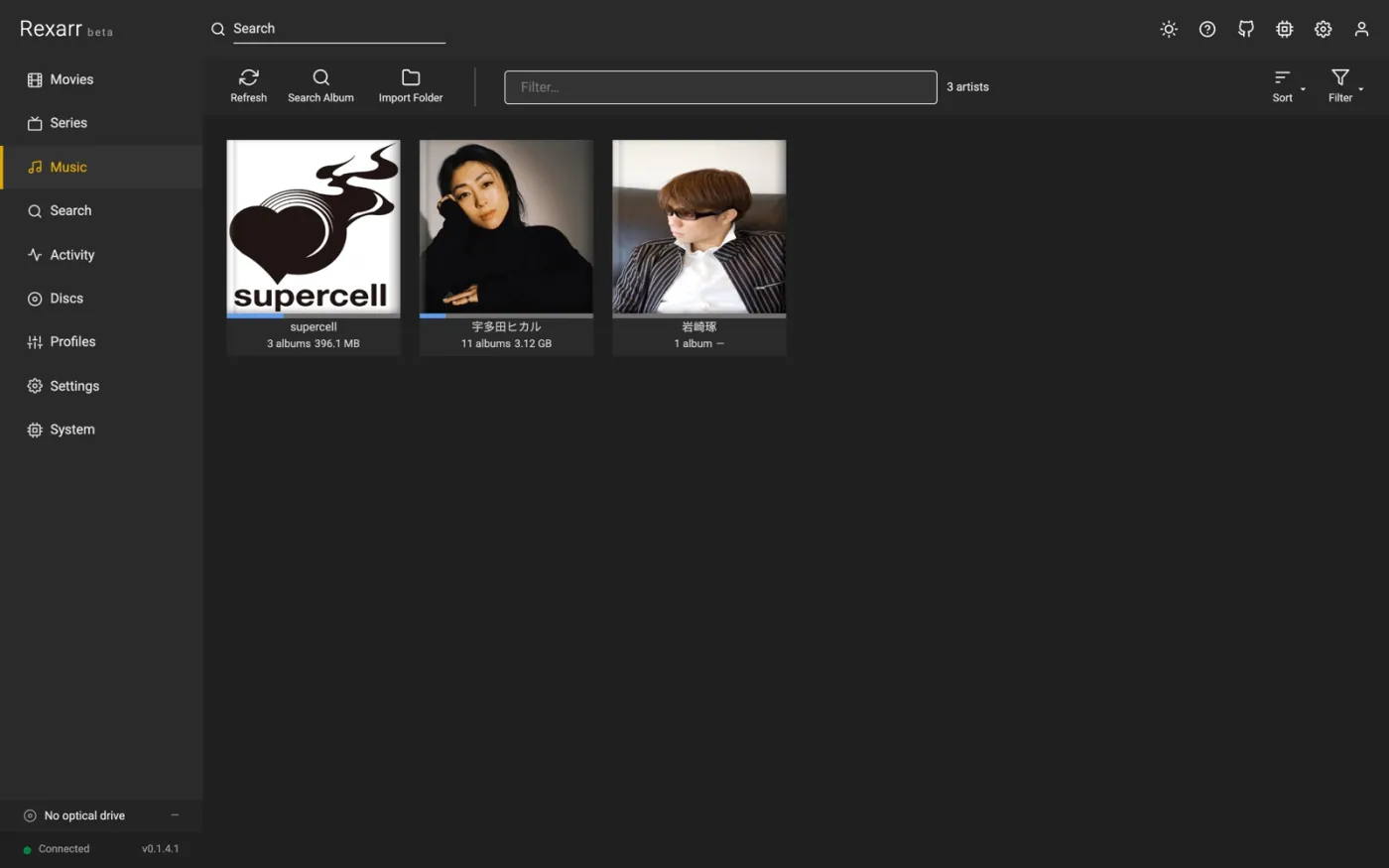
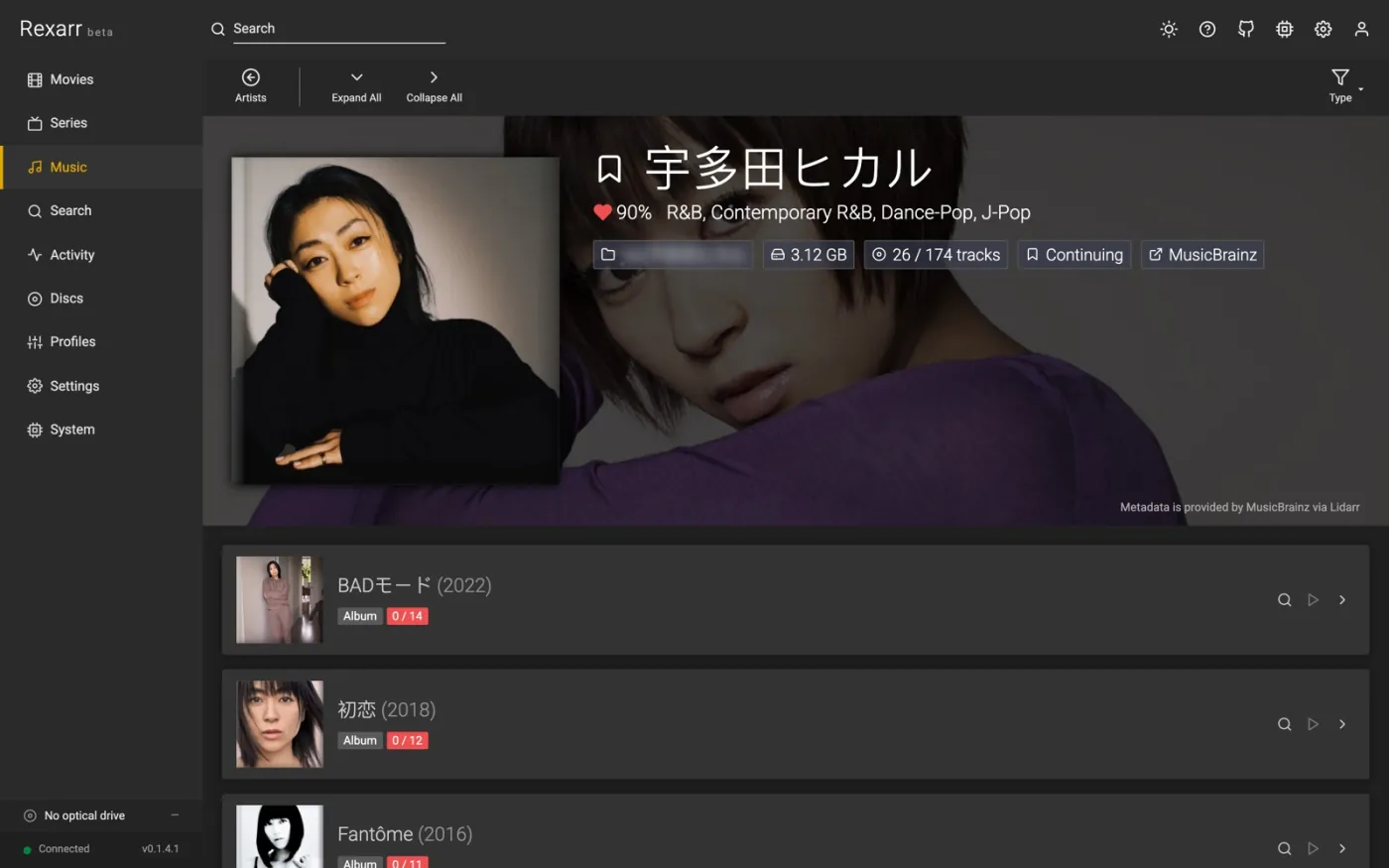
Connect Lidarr (API v1) in Settings → Connections to get a Music page and the Music scope in search.
Audio work runs through fre:ac's command-line encoder freaccmd; FFmpeg is only used to
probe, resample and to write ReplayGain tags.
Search (Lidarr indexers + Soulseek)  →  Grab album
        ↓
Lidarr downloads it  /  slskd downloads the folder → Lidarr "import folder"
        ↓
Rexarr sees the imported track files  →  fre:ac with your music profile  →  Lidarr rescan
Music profiles
Profiles → Music: container / codec, VBR or CBR, compression level, maximum sample rate and bit depth (FFmpeg soxr resampler with triangular dither when reducing), ReplayGain, embedded cover, and Keep MQA intact.
Built-ins: Keep as downloaded, FLAC, FLAC CD quality (16-bit / 44.1 kHz), WavPack, MP3 V0, MP3 320,
Opus 160 and Vorbis q6. Only open-source encoders are offered (no FDK-AAC, no Apple / Nero AAC); old video
profiles that used libfdk_aac fall back to FFmpeg's native AAC with a warning.
| Codec | fre:ac encoder | Tags / cover | ReplayGain |
|---|---|---|---|
| FLAC | flac (libFLAC, -c 0…8) |
yes | yes |
| MP3 | lame (-m VBR -q N / -m CBR -b N) |
yes (cover re-embedded by Rexarr) | yes |
| Opus | opus (--bitrate, --comp) |
yes | yes (R128) |
| Vorbis | vorbis (-q / -b) |
yes | – |
| WavPack | wv |
yes | – |
| Monkey's Audio | mac |
yes | – |
The Docker image includes Alpine's fre:ac 1.1.7, which has FLAC, LAME MP3, Opus and Vorbis but no WavPack or Monkey's Audio encoder (profiles using them show a warning and their jobs fail). Outside Docker, install fre:ac and set its path in Settings → Connections → fre:ac if it is not found; System → Status warns when it is missing.
Soulseek (slskd)
Add the slskd URL and API key, the folder where slskd saves downloads, and a Lidarr path mapping if Lidarr sees that folder under another path.
Also search Soulseek in album search groups peer responses into album folders (one user + one directory) and shows format, bit depth, sample rate, track count, free slot and queue length. Grabbing queues the folder in slskd; when every file has finished, Rexarr asks Lidarr to import the folder, then encodes with the profile. Folders from peers with a long queue can be hidden with Max peer queue.
Image + cue downloads
Lidarr cannot import an album that is one long FLAC / APE / WavPack / WAV file with a cue sheet. Rexarr watches
Lidarr's queue (grabs from Lidarr itself included) and, when such a download finishes, splits it into FLAC tracks
with fre:ac inside the download folder (rexarr-split/<album folder>), keeping bit depth and sample rate.
- Tracks get their tags from the cue sheet, plus album artist, disc number and the folder's cover image.
- Cue sheets in Shift-JIS, GBK, Big5, EUC-KR or Windows-1252 are converted to UTF-8 first.
- A
FILEentry that names the wrong file (CDImage.wavnext to a.flac) is matched to the real one. - Rexarr then asks Lidarr to import the tracks for the same download, so the queue item completes.
- Soulseek folders are split the same way before import. Search results show such releases as image + cue.
- Downloads that already left the queue can be imported with Music → Import Folder.
Turn it off in Settings → Connections → Lidarr.
Audio CDs
Discs → drive → ♫ Read audio CD: Rexarr reads the table of contents (macOS: the mounted .TOC.plist; Linux:
cdparanoia -Q), computes the MusicBrainz disc id and lists matching releases — pick one, or search by artist and
album when the disc is not in MusicBrainz.
A release is only the disc when it was found by disc id. MusicBrainz will also offer releases whose track lengths merely resemble the disc, which is a guess and is labelled similar length only, unconfirmed: such a release is listed but never applied on its own, the disc stays on Generic track names until you pick one, and auto-rip leaves it alone. A disc of the wrong album with fifteen tracks of roughly the right length is exactly how a rip ends up filed as someone else's record.
When MusicBrainz has no entry for the disc id, Rexarr asks CDDB instead, using that disc's CDDB id. Plenty of discs MusicBrainz has never been told about have been in CDDB for twenty years. Such an entry is labelled CDDB in the list and gives artist, album, year, genre and the track titles — no cover art, and none of the MusicBrainz ids. Server and on/off live under Settings → Metadata → CDDB / freedb, where the server may be a plain endpoint or the whole URL gnudb publishes, handshake included.
Tracks are ripped by fre:ac with its paranoia reader (device://cdda:<drive>/<track>) to FLAC, given the Cover
Art Archive front cover, optionally encoded with a second music profile and imported into Lidarr. FLAC compression
level and the Linux TOC reader are set under Settings → Disc ripping → Audio CDs.
The tags a rip gets
MusicBrainz is the only source of a rip's tags: whatever fre:ac itself wrote is dropped first, so a track never ends up with two track numbers. Field names follow Picard, which is what Lidarr, Plex, Navidrome and Picard read:
| Track | TITLE, ARTIST, ARTISTSORT, TRACKNUMBER, TRACKTOTAL / TOTALTRACKS |
| Album | ALBUM, ALBUMARTIST, ALBUMARTISTSORT, COMPILATION for a Various Artists disc |
| Disc | DISCNUMBER, DISCTOTAL / TOTALDISCS, DISCSUBTITLE, MEDIA (CD, SACD, Enhanced CD, …) |
| Dates | DATE is this pressing, ORIGINALDATE / ORIGINALYEAR the album — a 1994 remaster of a 1979 record keeps both |
| Release | LABEL, CATALOGNUMBER, BARCODE, RELEASECOUNTRY |
| MusicBrainz | MUSICBRAINZ_ALBUMID, MUSICBRAINZ_RELEASEGROUPID, MUSICBRAINZ_ALBUMARTISTID, MUSICBRAINZ_ARTISTID, MUSICBRAINZ_TRACKID (the recording), MUSICBRAINZ_RELEASETRACKID, MUSICBRAINZ_DISCID |
| From CDDB | GENRE and DISCID (the freedb disc id, as rippers have always written it); no MUSICBRAINZ_* ids except the disc id Rexarr computed itself |
The album folder is named after the original year for the same reason, which is also the year Lidarr files the album under.
A disc from a box set is tagged as that disc. The disc id identifies which medium of the release is in the drive, and that holds when the release is picked by hand from the title search as well — a disc without its own MusicBrainz entry is only assumed to be disc 1 when nothing else can tell the discs apart.
MQA / MQA-CD
Lossless files and CD rips are scanned for the MQA sync word hidden in the lower bits of the signal (L⊕R bit stream,
36-bit sync pattern, 4-bit original sample rate code). Detected albums get an MQA label and MQA /
ORIGINALSAMPLERATE tags.
With Keep MQA intact a profile keeps such files bit-exact (FLAC at the source bit depth and sample rate, no dither, no resampling) and skips lossy targets, since any of those destroy the MQA stream. Detection is a best-effort signal check, not a licensed decoder — Rexarr never unfolds MQA.
Metadata
Music → album → a track's 👁 Tags and file details shows every tag, stream and format detail Rexarr reads from
the file. The same view is available for any media file through GET /api/media/metadata?path=.